Playing games in your browser is one of the easiest ways to take a break, whether you are on a school Chromebook, a work laptop during lunch, or your phone while traveling. But “games unblocked” searches often come with a hidden downside: the sketchiest sites tend to rank for the same terms people use when they are in a hurry.
This guide focuses on safe, legal ways to play anywhere without turning your device into a pop-up machine, handing over personal data, or violating network rules.
What “games unblocked” actually means (and what it does not)
In most cases, “unblocked” simply means a game page is accessible on a network that blocks other sites (for example, a school or workplace filter). That accessibility does not automatically mean the site is safe, age-appropriate, or allowed by your organization’s acceptable use policy.
A better way to think about it:
- Unblocked is about access (the site loads).
- Safe is about risk (malware, scams, privacy, content).
- Allowed is about rules (school or workplace policies).
- Constant redirects to unrelated pages
- “You won!” prize scams
- Fake virus warnings
- “Allow notifications” prompts that lead to spam
- Sign up with a primary email you use everywhere
- Reuse passwords
- Grant unnecessary permissions (camera, microphone, notifications)
- Mature themes
- User-generated content
- Unmoderated chat
- A clear site name and consistent branding (not a random clone page)
- Privacy and cookie policies
- A way to contact the site or report a problem
- A game page that loads cleanly without repeated redirects
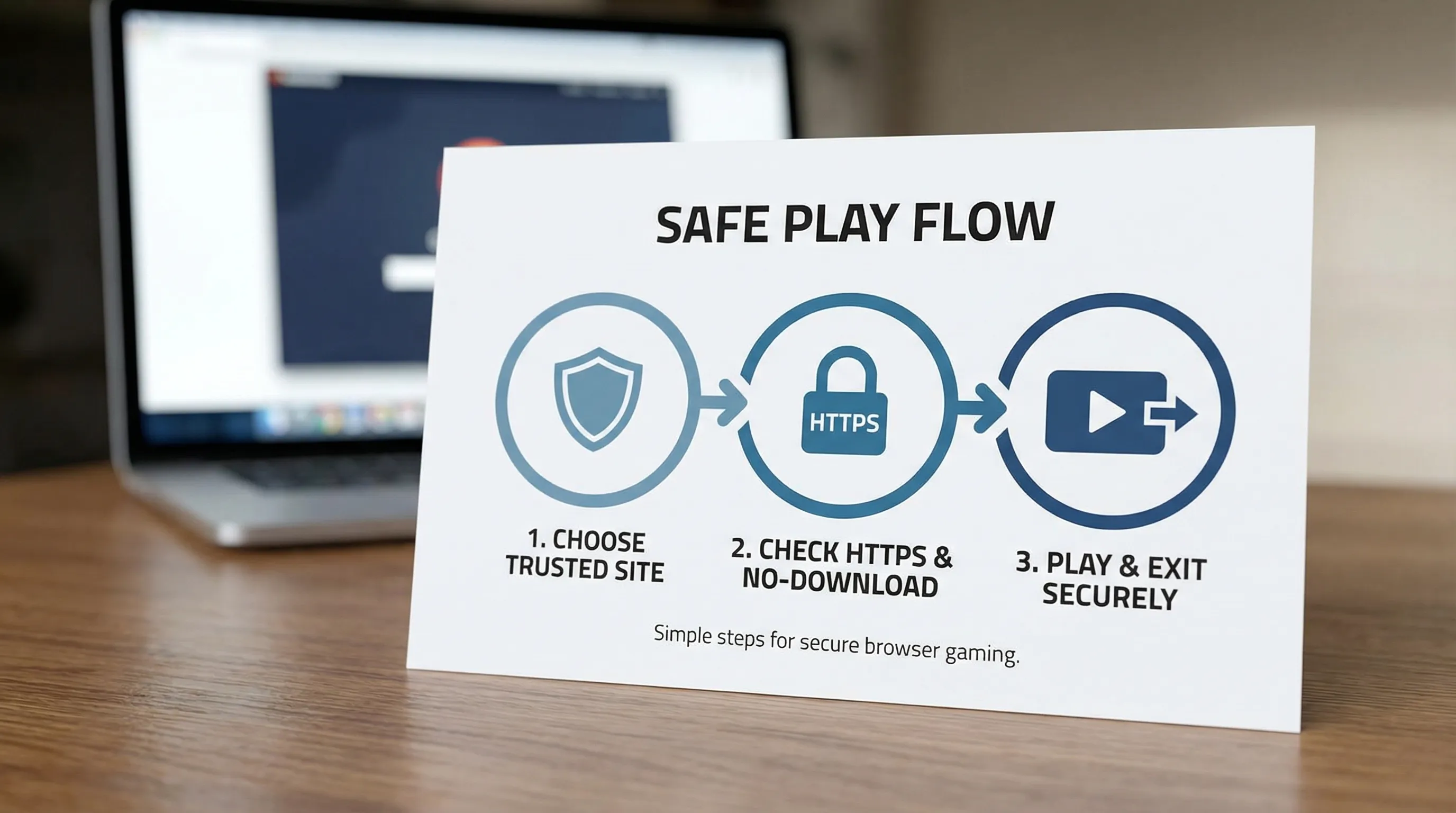
- Make sure the page uses HTTPS (look for the lock icon).
- Avoid weird lookalike domains with extra words or misspellings.
- Is not signed into your main email
- Has fewer saved passwords
- Keeps game-related cookies separate from your personal browsing
- Block notification requests unless you truly want them.
- Deny camera and microphone permissions by default.
- If a game breaks without these permissions, pick a different game.
- Certain sites
- Extensions
- Downloads
- Account sign-ins
- Follow your school or workplace acceptable use policy.
- Play during appropriate times (breaks, free periods, after hours).
- Keep volume off or use headphones.
- Choose lighter games if your device is slow.
- Bypass tools (VPNs, proxies, filter workarounds) if they violate rules.
- Signing into unknown sites with your school or work email.
- Sharing personal details in game comments or chats.
- You can close the tab immediately.
- You can block notifications.
- You can clear site data and cookies.
You want all three, not just “unblocked.”
The biggest risks when looking for games unblocked
Even if you never download anything, browser gaming can still expose you to problems. Here are the most common issues people run into.
1) Forced downloads and fake “Play” buttons
Some sites push “required” installers, APKs, or browser add-ons. This is one of the fastest ways to pick up unwanted software.Tip: If a site says you must install something to play a simple web game, treat that as a red flag.
2) Aggressive ads, redirects, and scammy pop-ups
Low-quality game portals often rely on ad networks that produce:The FTC’s scam guidance is a good reminder that urgent pop-ups and “act now” messages are designed to make you click before you think.
3) Privacy problems (tracking, data collection, and permissions)
Free sites may try to monetize via tracking. The risk increases if you:4) Inappropriate content and unsafe chat features
Some game pages are not curated for age appropriateness and may include:If you are choosing games for kids or teens, resources like Common Sense Media can help you gauge what is age-appropriate.
5) Breaking school or workplace rules
Trying to bypass filters with VPNs, proxies, or other workarounds can violate policy and may lead to account or device restrictions. This article does not cover bypass methods because the safest approach is to stay within the rules of the network you are using.Safe ways to play anywhere (without downloads)
If you want games unblocked that are also low-risk, these practices do the most work.
Choose browser-based games that do not require installs
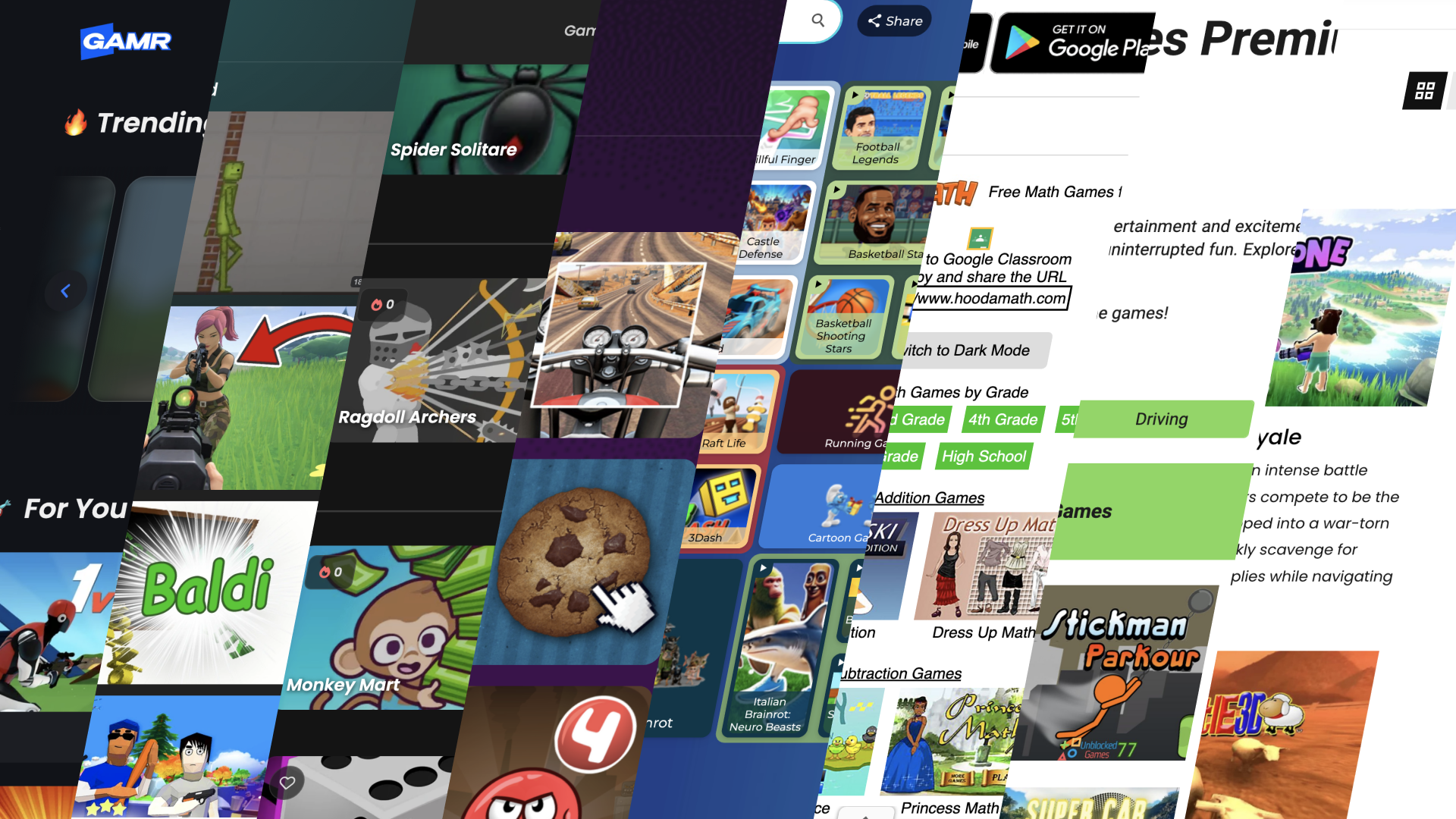
The safest default is instant-play games that run directly in your browser. You avoid installers, third-party launchers, and many of the “click here to continue” traps.Platforms like GAMR focus on browser-based play, so you can jump into a game without downloading anything.
Prefer reputable sites with clear policies
Before you play, take 15 seconds to look for:Check the URL and connection
Basic, but important:If you are curious about broader browser safety basics, Google’s Safety Center is a helpful overview.
Do not install “helper” extensions to play
Browser extensions can read and modify what you do online, depending on permissions. If a game site says you must add an extension to play, skip it.If you already installed something and now your browser is acting strange, remove unfamiliar extensions and run a security check.
Use a separate browser profile for gaming (optional, but smart)
If you play a lot of free web games, consider a dedicated browser profile that:This is a practical privacy win, especially on shared devices.
Keep your browser and OS updated
Updates are not just features, they patch security holes. CISA’s Secure Our World campaign highlights software updates as a core safety habit.Watch permissions: notifications, camera, microphone
Most browser games do not need system-level access.If you are on a managed Chromebook, assume policies are enforced
School-managed devices may restrict:That is normal. The safest approach is to play games that are already permitted and run cleanly in the browser.
A quick “safe vs risky” comparison
Not all ways of finding games unblocked are equal. Here is a practical comparison you can use when deciding where to play.
| Approach | Typical setup | Risk level | Why it matters |
|---|---|---|---|
| Browser-based instant-play games on a curated site | Click and play in-page | Lower | Fewer forced downloads, fewer permissions, easier to leave if something feels off |
| Random “unblocked” portals with heavy ads and redirects | Multiple pop-ups and new tabs | Higher | More scammy ad flows, fake buttons, and notification spam |
| “Required” installers, APKs, or launchers | Download and run a file | Highest | Greatest chance of unwanted software or malware |
A 30-second checklist to vet a game site
If you only remember one section, make it this one. Before you play, scan for these signals.
| Check | Good sign | Red flag |
|---|---|---|
| Connection | HTTPS lock icon | “Not secure” warning |
| Page behavior | Loads in one tab | Constant redirects and pop-ups |
| Downloads | No installs required | “Update your player” or “Download to continue” |
| Prompts | Minimal permissions | Notification spam, pushy dialogs |
| Clarity | Clear game title and site navigation | Fake “Play” buttons, confusing layout |
| Policies | Privacy/cookie policy available | No policy pages, no contact info |
Playing at school or work: stay safe and stay allowed
A lot of people search “games unblocked” because they want something that works on restricted networks. The safest way to do that is to respect the environment.
Do this
Avoid this
If you are not sure what is allowed, the simplest move is to ask a teacher, parent, or IT admin which sites are approved.
Why browser gaming is often the safest “play anywhere” option
When you remove downloads and installs, you remove a big chunk of risk. Browser-based games can still have ads and tracking, but you have more control:
That is a big reason many players prefer a browser-first library of games. On GAMR, you can pick from a wide range of genres and play instantly on most devices, without subscriptions or downloads.
If you like sandbox-style gameplay, for example, GAMR has titles like Eaglercraft that run in-browser, which is often a better safety posture than installing random executables from unfamiliar sites.
Frequently Asked Questions
Are games unblocked legal to play? Yes, playing browser games is generally legal, but “allowed” depends on where you are playing. Schools and workplaces can restrict access based on policy.
Is it safe to play unblocked games on a school Chromebook? It can be, if you use permitted sites and avoid downloads, extensions, and permission prompts. Managed Chromebooks enforce security policies for a reason.
Do I need a VPN to play games unblocked? If a site is blocked on your network, using a VPN or proxy may violate your school or workplace rules. The safest option is to play games that are already accessible and permitted.
What should I do if a game site keeps opening pop-ups? Close the tab, do not click the pop-ups, and clear the site’s data (cookies/cache) in your browser settings. If you allowed notifications, revoke that permission.
Are “no download” browser games always safe? Not always, but they are usually safer than sites that require installers. Still check for HTTPS, minimal redirects, and reasonable permission requests.
How can parents pick safer browser games for kids? Use curated game sites, avoid chat-heavy games, keep permissions blocked by default, and cross-check age appropriateness with resources like Common Sense Media.
Play safe, instant browser games on GAMR
If you want games unblocked that are simple to launch and easy to leave if anything feels off, stick to browser-based instant play.
Explore GAMR to find free games across multiple genres, playable right in your browser, with no downloads or subscriptions. Pick a title, hit play, and keep your device (and your time) protected.